Changing Delivery FrequencyUpdated 4 months ago
Subscriptions are separated by their billing frequency. Changing the entire subscription's billing frequency will differ from changing the billing frequency for a specific product within a subscription. If there is only one product you need to change in a group of products, you will need to remove the product from its subscription. You will then need to create a new subscription or add it to another subscription in your account with the desired billing frequency.
To remove a product from a group of products on a subscription to create a new billing frequency, follow these instructions: https://help.umzu.com/en-US/40834-3fb305e7ef214580af6ed6f5344650af
To remove a product from a group of products on a subscription to create a new billing frequency, follow these instructions: https://help.umzu.com/en-US/40834-3fb305e7ef214580af6ed6f5344650af
To change the billing frequency of the entire subscription.
Click here for Login Help: Account Access Instructions
STEP 1: Access your account Profile and click on "Orders"
STEP 2: Once you've successfully logged in, select "Manage Subscriptions".
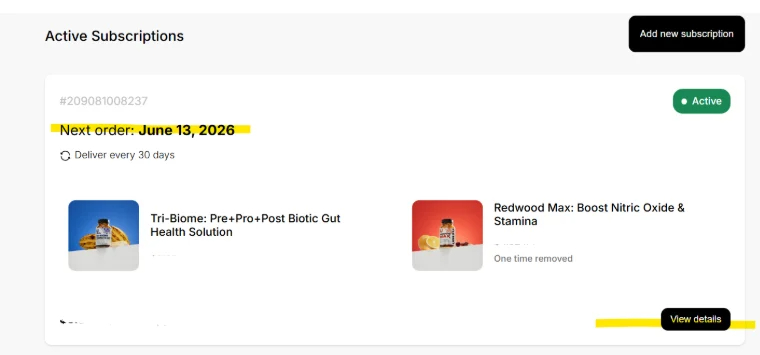
STEP 3: Locate the subscription and click "view details".
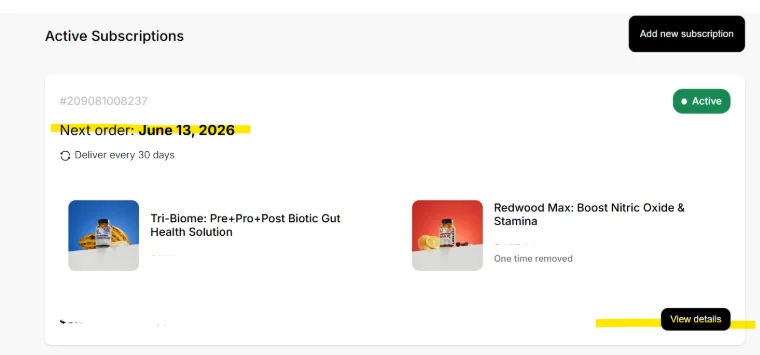
STEP 4: Scroll down to the middle of the page to the product box you wish to change and click "edit"
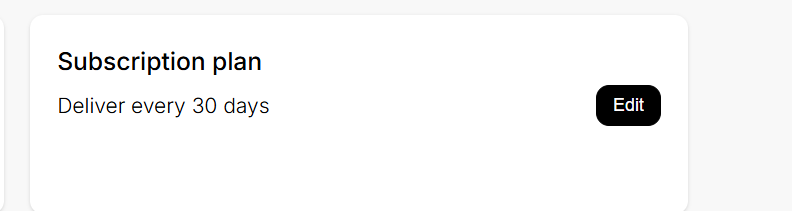
STEP 4) Scroll to the middle of the page and find "Subscription Plan"
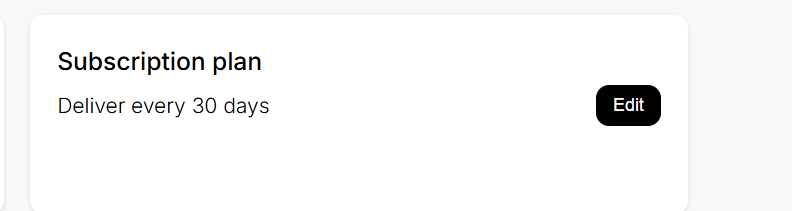
STEP 5) Click on "Edit"
STEP 6) pop-up box will appear.
STEP 7) Select the desired plan and "confirm"