
How do I Pause a subscription shipment?Updated 4 months ago
STEP 1: Access your UMZU account.
For help, click here: Account Access Instructions
STEP 2: Once you've successfully logged in, select "Manage Subscriptions".
STEP 3: Click on one of your subscriptions and "view details"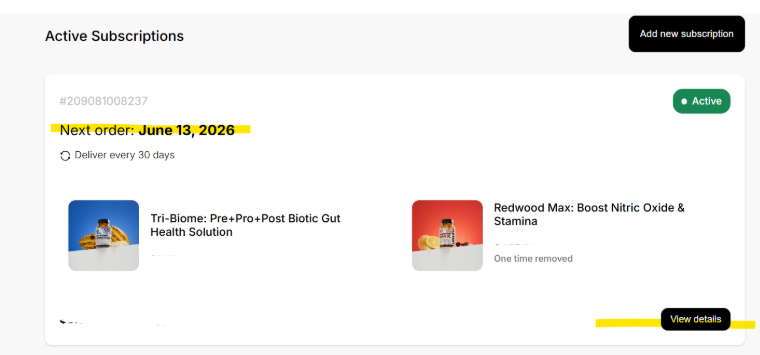
STEP 4: Scroll down to the bottom of the page to "Pause"
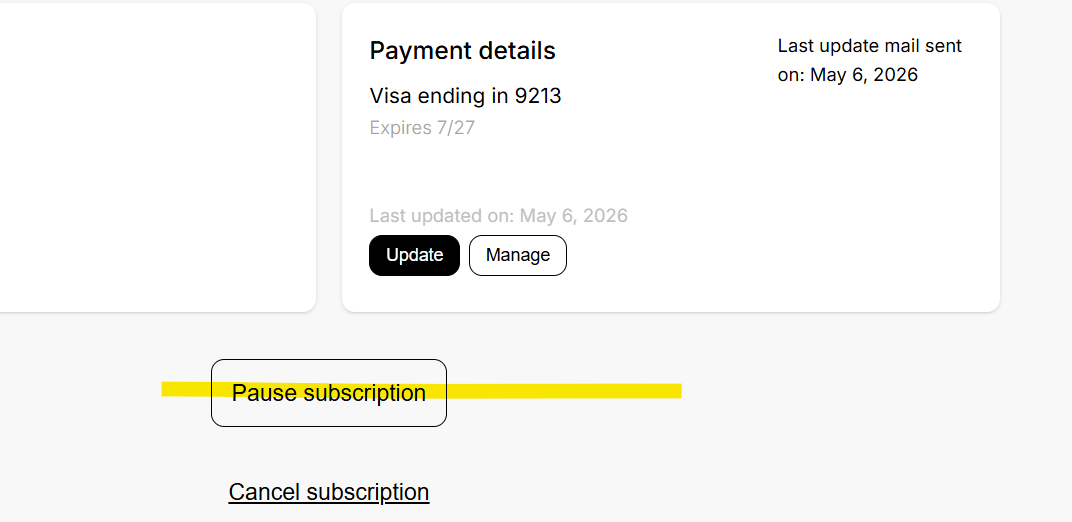
STEP 4: Click on "Pause" and a pop-up will appear. 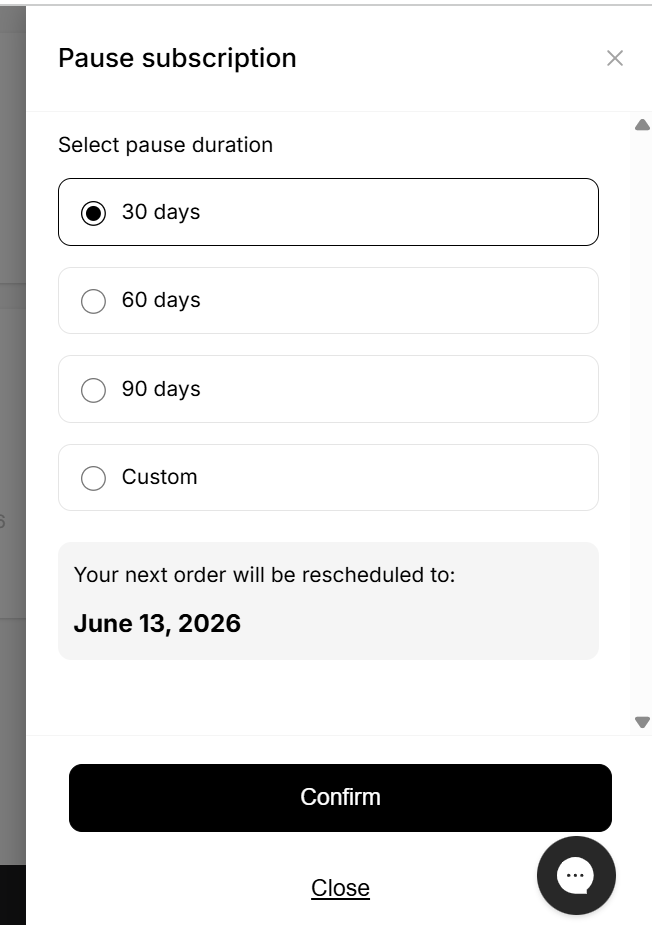 STEP 4: Click a pre-selected time period (which begins on the change date) or select Customer to open the Calendar.
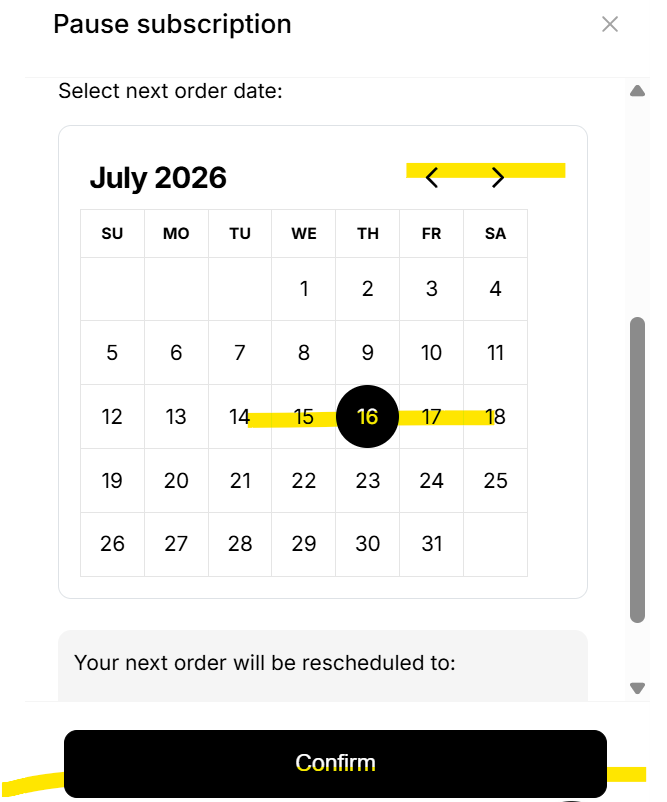
STEP 5: Select a month and date, then click "confirm".
STEP 6: Scroll to the top of the page to view the resume date, or to use the "resume" button to end the "Pause" early.
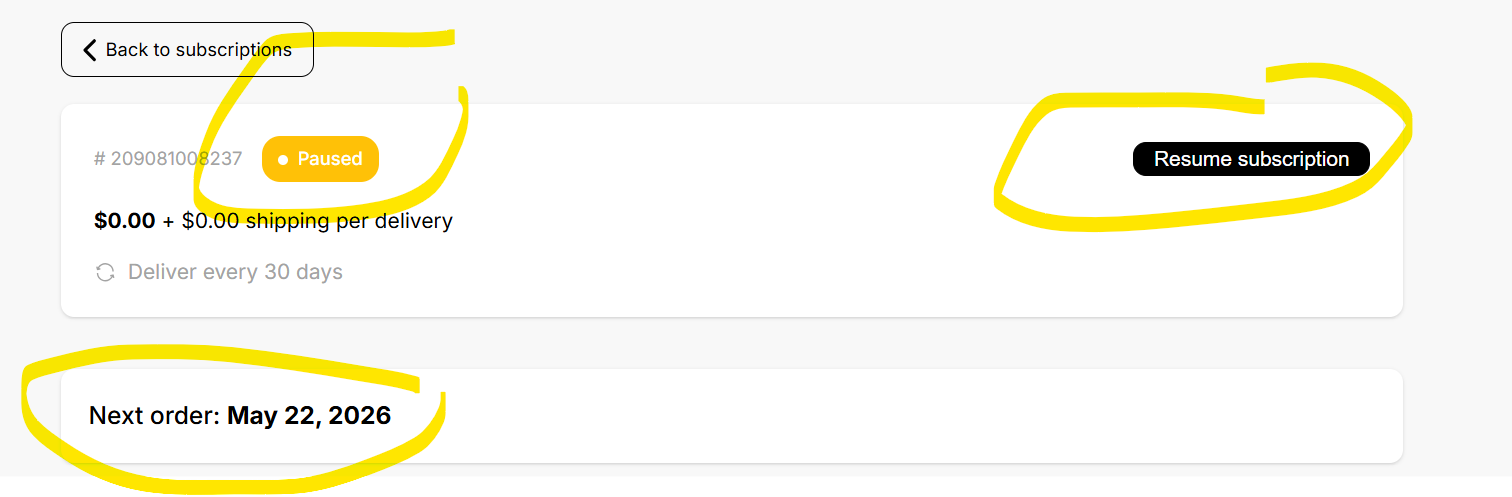
STEP 6: Make sure to use the "Back to subscription" if your other subscriptions need to be paused. The subscription page will list all your subscriptions that have different billing frequencies or that have been orphaned from the parent subscription.
PAUSE is different from Cancel, but not much different than the "Delay" or "Reschedule" subscription feature. If you would like to skip a billing frequency at a time, it is easier to use the "skip" order feature.